
Web to print solution for personalized and print-ready products. Static product pages make it difficult to offer personalized or made-to-order products at scale. With Expivi’s design to print software, customers can create, customize and generate print-ready files instantly!
Expivi's Design to Print software
±15 minutes. No commitment.
✔ Let customers design and personalize products online
✔ Automatically generate print-ready files (PDF / production output)
✔ Seamless integration with eCommerce and production systems
Trusted by companies worldwide











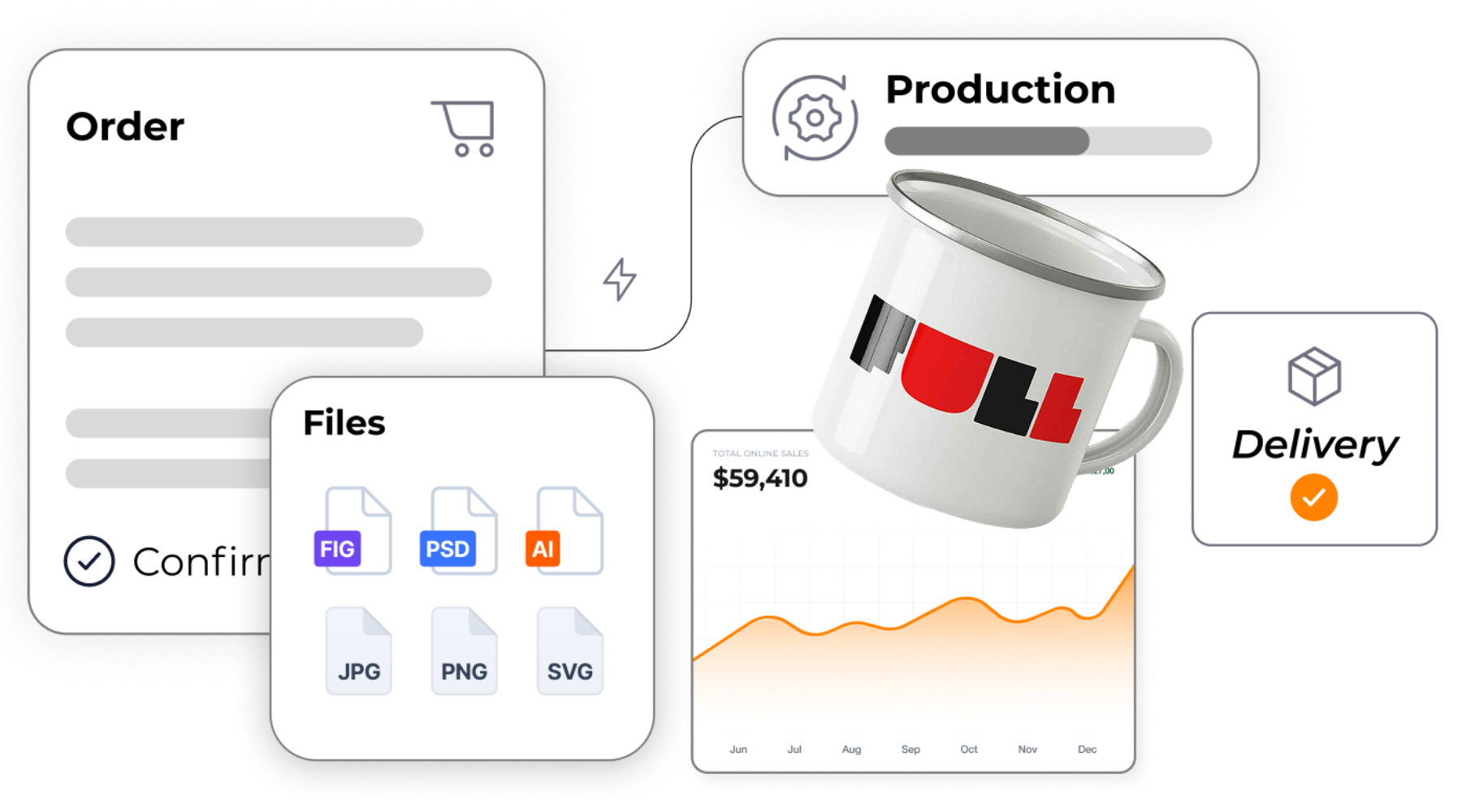
Composable design to print software built for scale and automation
Expivi goes beyond traditional web-to-print solutions. Our design to print software is built as a composable platform that connects product configuration, file generation and production workflows into one seamless system.
- Combine 3D product configuration, design to print and Visual CPQ in one platform.
- Automatically generate print-ready files based on real-time configurations.
- Integrate seamlessly with your ecommerce, ERP and production systems.
- Automate workflows from order to production and delivery.
- Enable scalable product personalization without increasing operational complexity.
Explore our successful design to print cases


Matthias Leibitz – CEO – T1tan
“Personalized products help you build lasting customer loyalty, they receive something unique, directly from your brand. Every item is made to order, so there’s no need for inventory.”
From product configuration to print-ready files with design to print
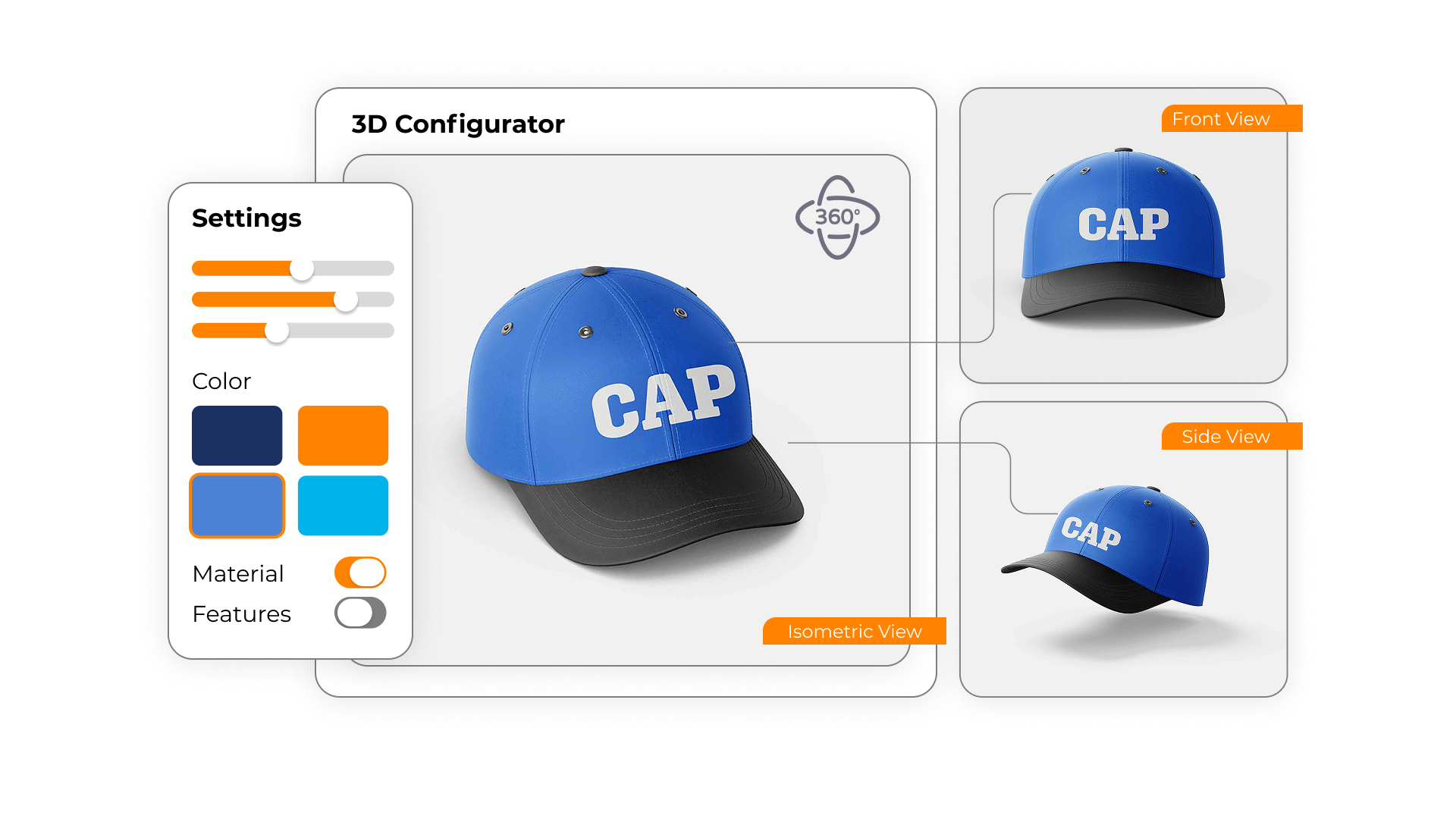
Interactive 3D product configuration
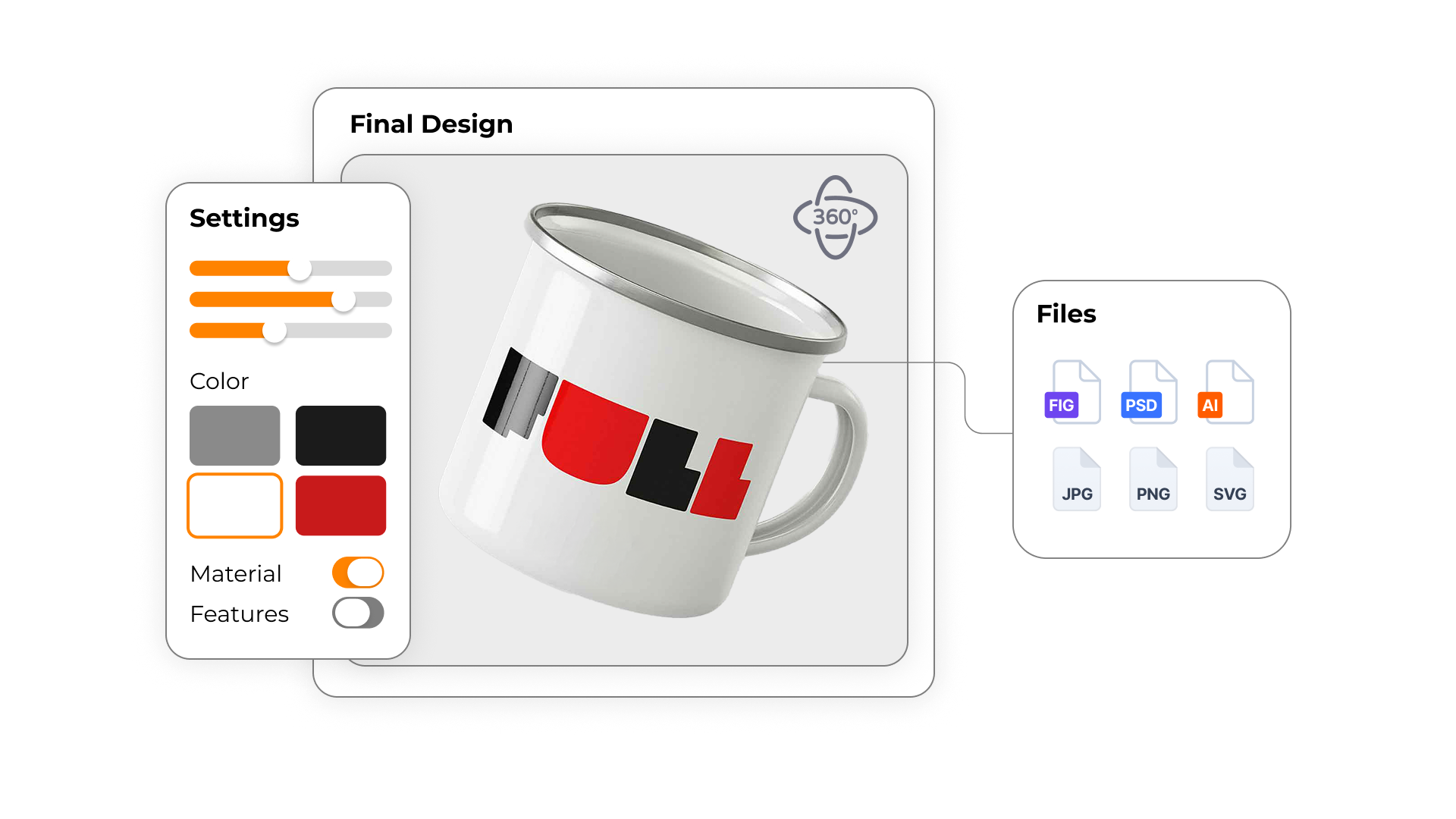
Empower customers to design and personalize products in real time with an intuitive 3D configurator. From colors and materials to logos and text, every choice is visualized instantly. This creates a seamless product customization experience that increases engagement and reduces uncertainty during the buying process.
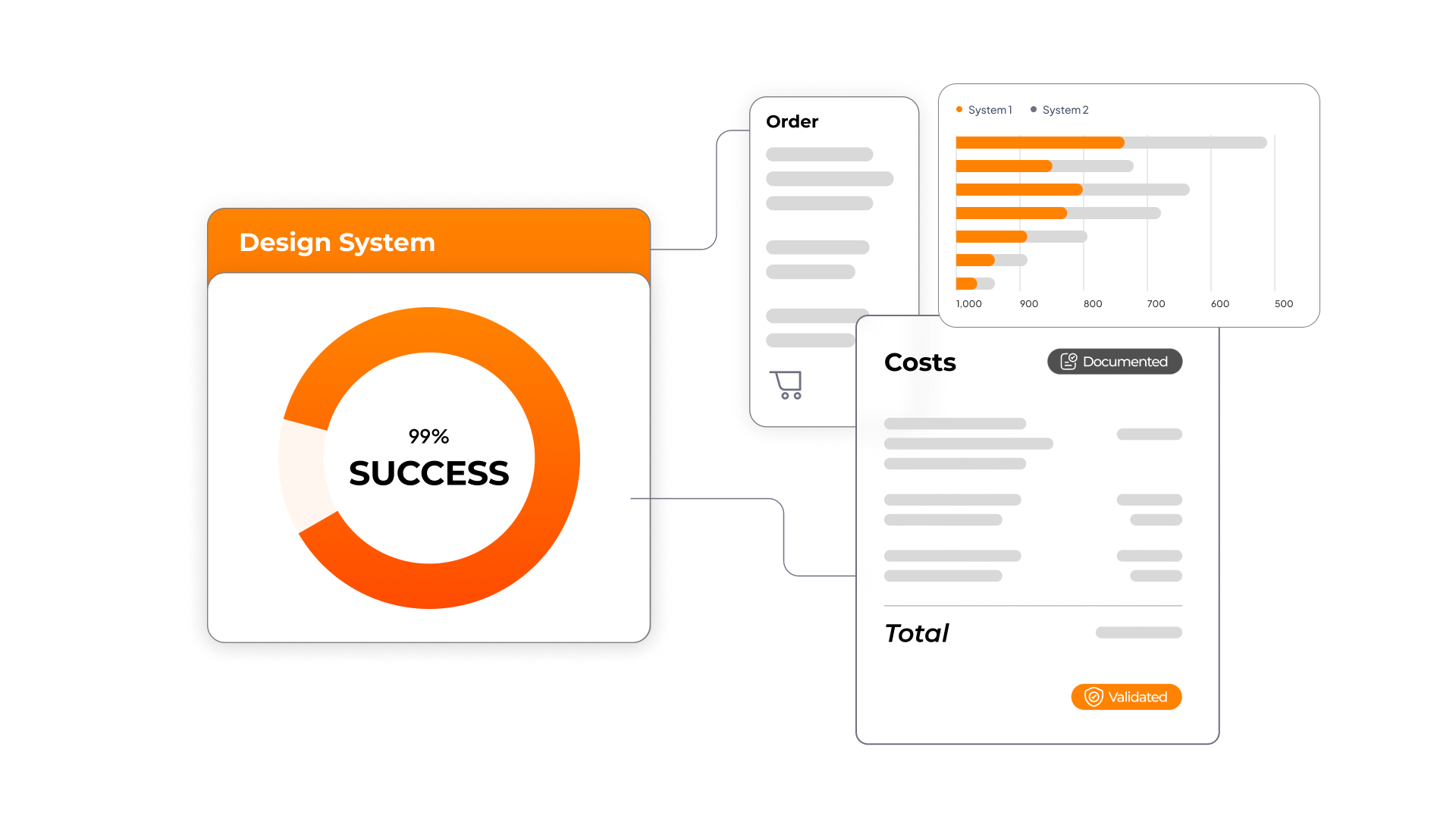
Built-in validation with design rules and CPQ logic
Ensure every configuration is accurate and production-ready. With integrated design rules, pricing logic and CPQ functionality, invalid combinations are automatically prevented. This eliminates manual checks, reduces errors and guarantees that every order meets production requirements.
Automatically generate print-ready files
Turn every configuration into a print-ready file instantly. Expivi automatically generates output files in formats like PDF, AI or SVG, fully aligned with your production specifications. This removes manual design work and enables scalable web-to-print and design to print workflows.
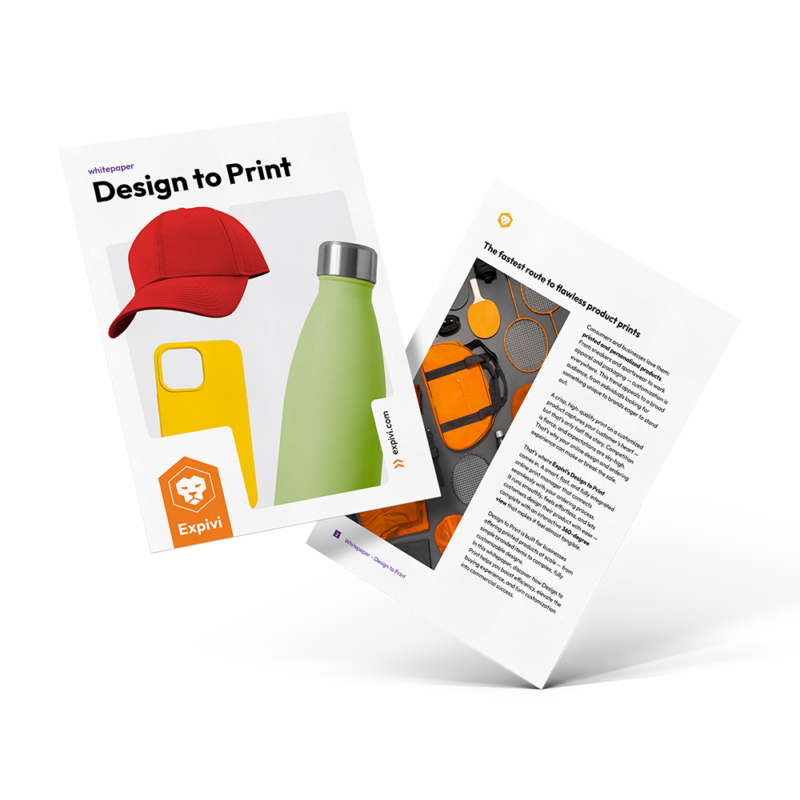
The power of product personalization: Expivi’s Design to Print whitepaper
From simple logo-branded products to complex designs that your customer can personalize. Discover in this whitepaper how we shape your commercial success with Design to Print. In this whitepaper, you will learn about:
- The benefits of design to print in numbers.
- Inspiration and real-life success stories.
- All the advantages for your brand at a glance.
Optimize your design to print workflow with real-time insights
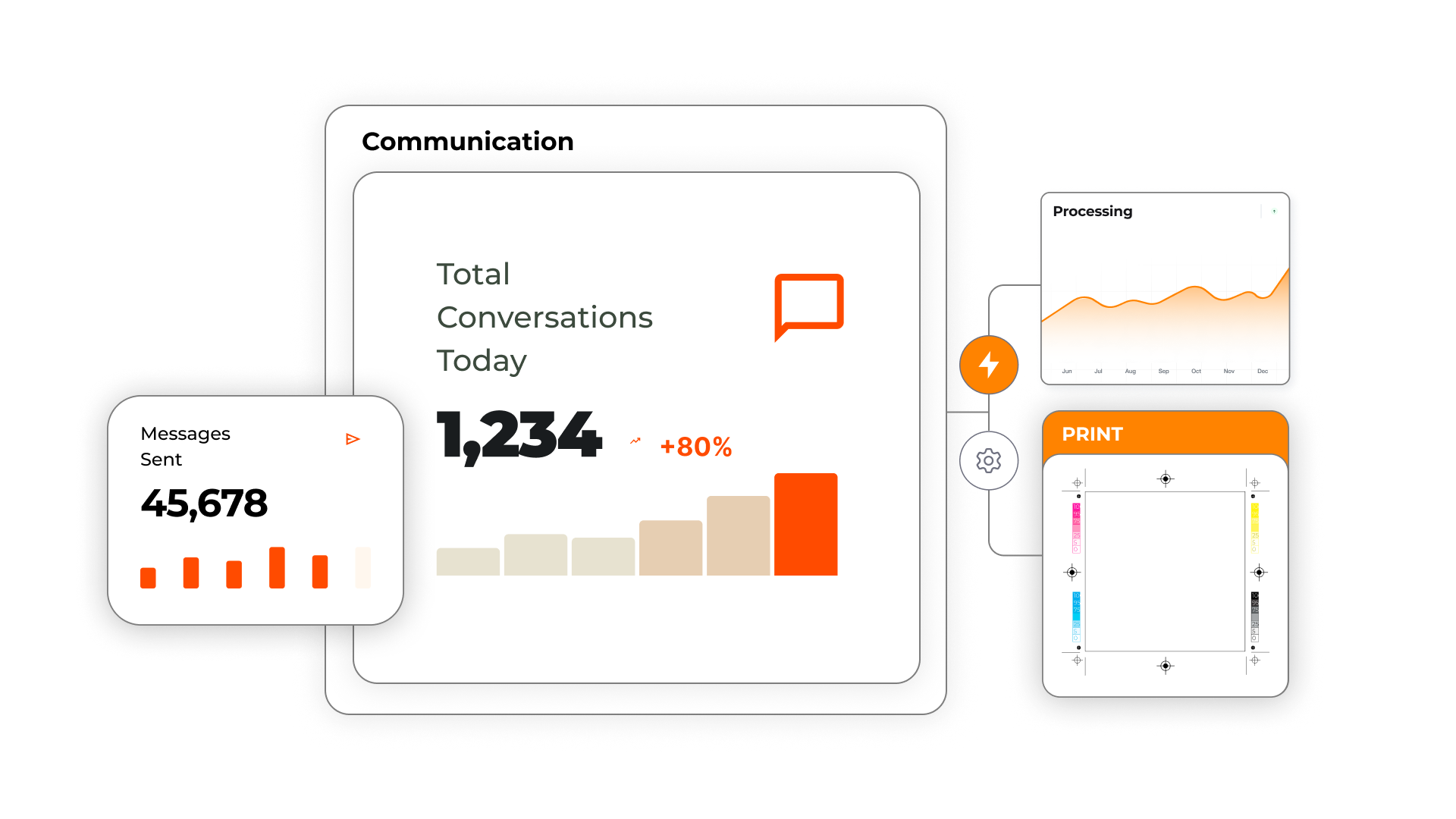
Gain full control over your design to print operations with real-time insights and performance data. Monitor orders, processing times and production output from a single platform, and identify bottlenecks before they impact your workflow.
By connecting communication, processing and print data, Expivi helps you continuously optimize efficiency and scale your operations without increasing manual workload.
Frequently asked questions about design to print software
What is design to print software and how does it work?
Design to print software enables customers to customize products online while automatically generating print-ready files for production. It combines product configuration, design tools and automation into one workflow, allowing users to create personalized products without manual intervention. Once a configuration is completed, the system instantly produces output files based on predefined rules and specifications. This eliminates the need for manual design checks and reduces production errors. Compared to traditional processes, design to print significantly speeds up order handling and improves scalability.
What is the difference between web-to-print and design to print?
While both solutions focus on online product customization, design to print goes further by automating the entire production workflow. Traditional web-to-print tools often focus only on design creation, while design to print connects configuration, validation and production.
| Web-to-print | Design to print |
|---|---|
| Focus on design interface | End-to-end workflow automation |
| Manual file checks | Automated validation and output |
| Limited integration | Fully integrated with ERP, PIM and ecommerce |
This makes design to print more suitable for businesses that want to scale personalization and automate production processes.
How does design to print software generate print-ready files automatically?
Design to print software uses predefined templates, rules and product logic to automatically generate print-ready files based on user input. As customers configure a product, the system dynamically applies layout rules, dimensions and print specifications. This ensures that every output file meets production standards without manual adjustments.
Supported formats typically include PDF, AI, SVG and other vector-based files. By automating this process, businesses eliminate bottlenecks and reduce dependency on design teams.
Can design to print software integrate with ecommerce platforms and backend systems?
Yes, design to print software is built to integrate seamlessly with ecommerce platforms and backend systems. Expivi, for example, connects directly with platforms like:
In addition, it integrates with ERP, PIM and CRM systems to synchronize product data, pricing and orders in real time. This ensures that all configurations and outputs are automatically processed within your existing infrastructure.
As a result, businesses can scale without rebuilding their tech stack.
What file formats and outputs are supported in design to print workflows?
Modern design to print solutions support a wide range of file formats to match different production requirements. These typically include:
- PDF (print-ready documents)
- AI (Adobe Illustrator files)
- SVG (scalable vector graphics)
- PNG / JPG (visual previews)
These outputs can be generated automatically per order and tailored to specific machines or print processes. This flexibility ensures compatibility with various production environments, from digital printing to industrial manufacturing.
How does design to print reduce errors in production?
Design to print software minimizes errors by enforcing product rules and validation during the configuration process. Instead of manually checking files, the system ensures that every design meets technical and production requirements before it is submitted. This includes validations such as dimensions, color profiles and print areas.
By eliminating invalid configurations, businesses significantly reduce rework and production delays. The result is a more reliable and efficient workflow from order to delivery.
How does design to print improve efficiency and scalability?
By automating repetitive tasks, design to print software enables businesses to handle higher volumes without increasing operational workload. Processes like file generation, order processing and production preparation are fully automated, reducing manual effort. This allows teams to focus on growth instead of operational bottlenecks. Key efficiency benefits include:
- Faster order processing
- Reduced manual design work
- Lower operational costs
- Improved production speed
This makes design to print ideal for companies looking to scale personalized product offerings.
For which industries is design to print software suitable?
Design to print software is widely used across industries that rely on product customization and print workflows. Common use cases include:
- Apparel and sporting goods
- Promotional products and merchandise
- Packaging and labels
- Industrial and made-to-order products
Because the platform is flexible, it can be tailored to different product types and production processes. This makes it suitable for both ecommerce businesses and manufacturers looking to digitize and automate their workflows.
How does design to print support product personalization in ecommerce?
Design to print enables customers to personalize products directly within the ecommerce experience. Instead of selecting static products, users can customize designs in real time, increasing engagement and conversion rates. The integration with a 3D product configurator enhances this experience by allowing customers to visualize their choices instantly.
This leads to higher purchase confidence and fewer returns. As a result, businesses can offer scalable personalization without increasing complexity.
Discover what Expivi can do for your business
Get a personalized walkthrough of how you can simplify complex products online and instore, improve customer experience and boost your sales. Expivi is the all-in-one product configurator.
- Discover how Expivi helps your business grow.
- Suitable for organizations of any size.
- Seamlessly integrates with your existing (eCommerce) systems, such as CMS, ERP and PIM.
±15 minutes. No commitment.